5 Essential NAS Maintenance Tips to Keep Your Data Safe and Secure
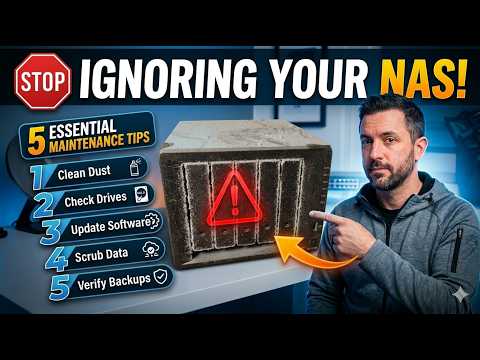
Stop Ignoring Your NAS! 5 Essential Maintenance Tips
Network Attached Storage (NAS) devices have become increasingly popular over the years, offering a convenient and cost-effective way to store and share data within a home or office network. However, many users tend to neglect the importance of regular maintenance tasks, which can lead to data loss, system crashes, and decreased performance. In this article, we'll discuss 5 essential maintenance tips to keep your NAS healthy and running smoothly.
1. Update Your NAS Firmware Regularly
Firmware updates often include important security patches, bug fixes, and performance enhancements. Neglecting to update your NAS can leave you vulnerable to security exploits and compromise your data. Check your NAS manufacturer's website for updates and follow their instructions to ensure a smooth update process.
2. Back Up Your Data
Backing up your NAS data is crucial in case of hardware failure or data corruption. Make sure to set up a backup schedule to transfer your data to an external drive or the cloud. This way, you'll have peace of mind knowing that your files are safely backed up.
3. Monitor Disk Usage and Free Space
Disk usage and free space monitoring is essential to prevent data storage issues. Check your NAS's disk usage regularly to identify files and folders that are taking up too much space. You can also set up notifications to alert you when disk space is running low.
4. Run Disk Cleanup and Repair
Disk cleanup and repair can help remove temporary files, system logs, and other unnecessary data that can slow down your NAS. Use built-in tools or third-party software to scan your disks for errors and repair any issues you may encounter.
5. Run Performance Tests and Analyze Results
Regular performance tests can help identify bottlenecks and optimize your NAS's performance. Use tools like IOMeter or CrystalDiskMark to test your NAS's read and write speeds, as well as CPU and memory utilization. Analyze the results to identify areas for improvement and adjust your NAS settings accordingly.
By following these 5 essential maintenance tips, you'll be able to keep your NAS running smoothly, prevent data loss, and ensure optimal performance. Don't ignore your NAS anymore – take the time to give it the care it needs to keep your data safe and secure!


Comments
Post a Comment