5 Steps To Transition from Windows to Linux for Beginners
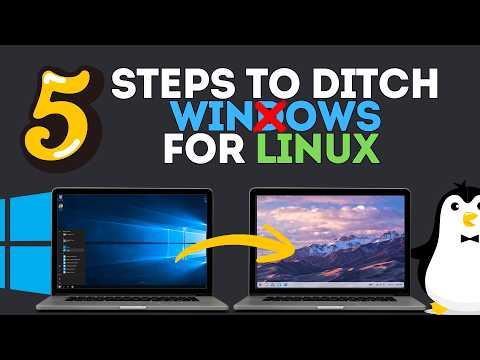
This article will guide you through the process of transitioning from Windows to Linux in 5 easy steps.
Step 1: Choose the Right Linux Distribution
The first step in ditching Windows for Linux is to decide which Linux distribution to use. Some popular options for beginners include Ubuntu, Linux Mint, and elementary OS. Research the features of each distribution and choose one that aligns with your needs.
You can download a Linux ISO from the official website of the distribution you've chosen. Make sure to check the system requirements and ensure that your computer meets them.
Step 2: Create a Bootable USB Drive
Once you've downloaded the Linux ISO, you'll need to create a bootable USB drive to install it. You can use a tool like Rufus to create the USB drive. Follow the instructions provided by Rufus to create the bootable drive.
Make sure to set the boot order in your BIOS settings to USB drive first, to ensure that the Linux installer boots from the USB drive.
Step 3: Install Linux
Insert the USB drive and reboot your computer. The Linux installer should load, and you'll be prompted to select the installation options. Follow the on-screen instructions to select your language, keyboard layout, and other settings.
You'll also be asked to partition your hard drive to create space for Linux. Be careful when partitioning your hard drive, as this can result in data loss if not done correctly.
Step 4: Configure Linux Settings
Once the installation is complete, you'll be prompted to configure your Linux settings. You'll need to set up your network connections, time zone, and user account.
You may also need to install additional drivers for your hardware to get everything working correctly.
Step 5: Transfer Files and Settings
Finally, you'll need to transfer any essential files and settings from your old Windows installation to your new Linux setup.
This can be done by using an external hard drive or using cloud storage to back up your files.
Additionally, you may need to reinstall software applications or migrate them to the new Linux environment.


Comments
Post a Comment