Is Screenbox the VLC Replacement You've Been Waiting For? - A Comprehensive Review
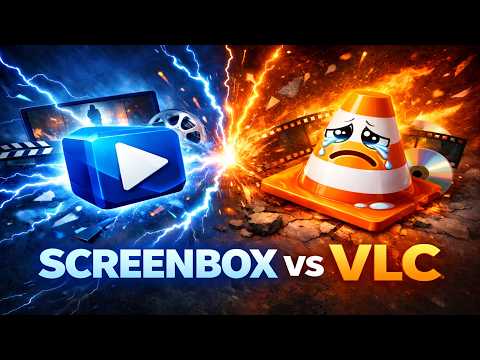
Is Screenbox the VLC Replacement You've Been Waiting For?

Screenbox is an intriguing contender for replacing the popular VLC media player. In this blog post, we'll delve into its features, user experience, and whether it can meet the high standards set by VLC.
Feature Comparison
Screenbox boasts an extensive range of features, including support for numerous video and audio formats, the ability to play 360-degree videos, and even a screen recorder.
In contrast, VLC is widely regarded for its customization options and extensive codec support. While Screenbox lacks some of these advanced features, it makes up for it with a user-friendly interface and seamless playback experience.
User Experience
Screenbox's intuitive interface is one of its standout features. The clean design and minimal clutter make it easy to navigate and use, even for those who aren't tech-savvy.
VLC, on the other hand, has a steeper learning curve due to its vast array of customization options. However, for those who value this level of control, VLC remains the superior choice.
Conclusion
Screenbox is a strong contender for the VLC replacement title. While it may not offer the same level of customization as VLC, its user-friendly interface and seamless playback experience make it an attractive option for those seeking a hassle-free media player experience.
In conclusion, if you're looking for a straightforward media player that's easy to use and plays your favorite videos without any fuss, Screenbox is definitely worth considering.
Final Thoughts
While Screenbox falls short in some areas, it's undeniable that it's made significant strides in recent updates. As the developer continues to improve the player, it's not hard to imagine a future where Screenbox becomes the go-to choice for media enthusiasts.
What do you think? Will Screenbox replace VLC as your go-to media player? Let us know in the comments below!


Comments
Post a Comment